
Format PDFs Into Imposed, Print-Ready Sheets for Bookbinding
Folio arranges your pages into printer-ready signatures, right in your browser. Your PDF never leaves your device.A free browser tool for fanbinders, zine makers, and anyone binding a book at home.
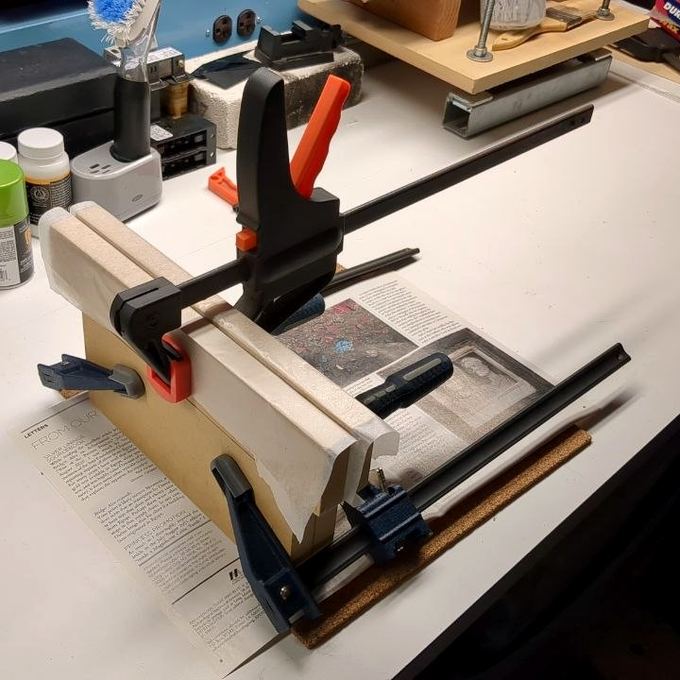
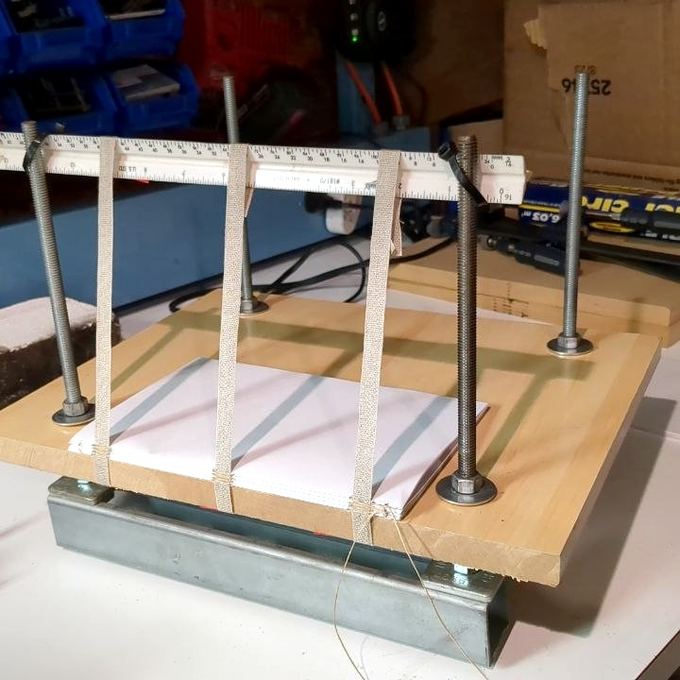
Imposition, Calibration & Assembly Tools
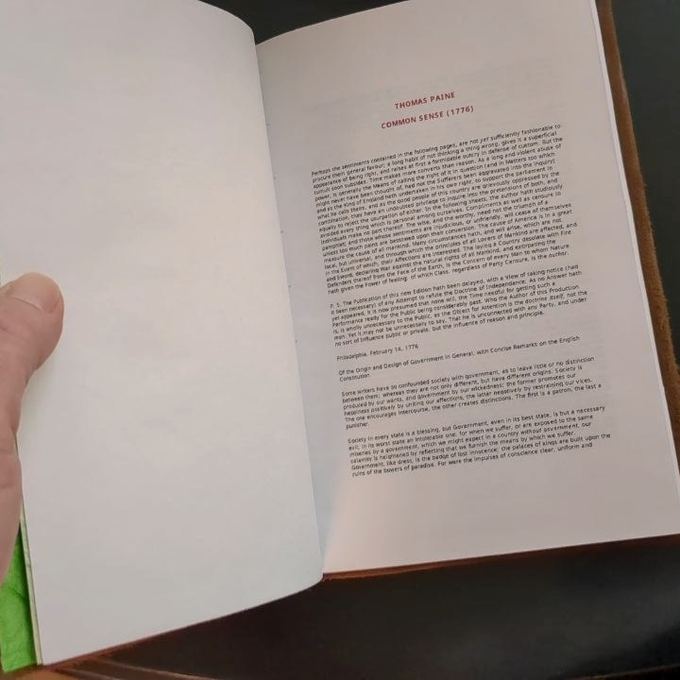
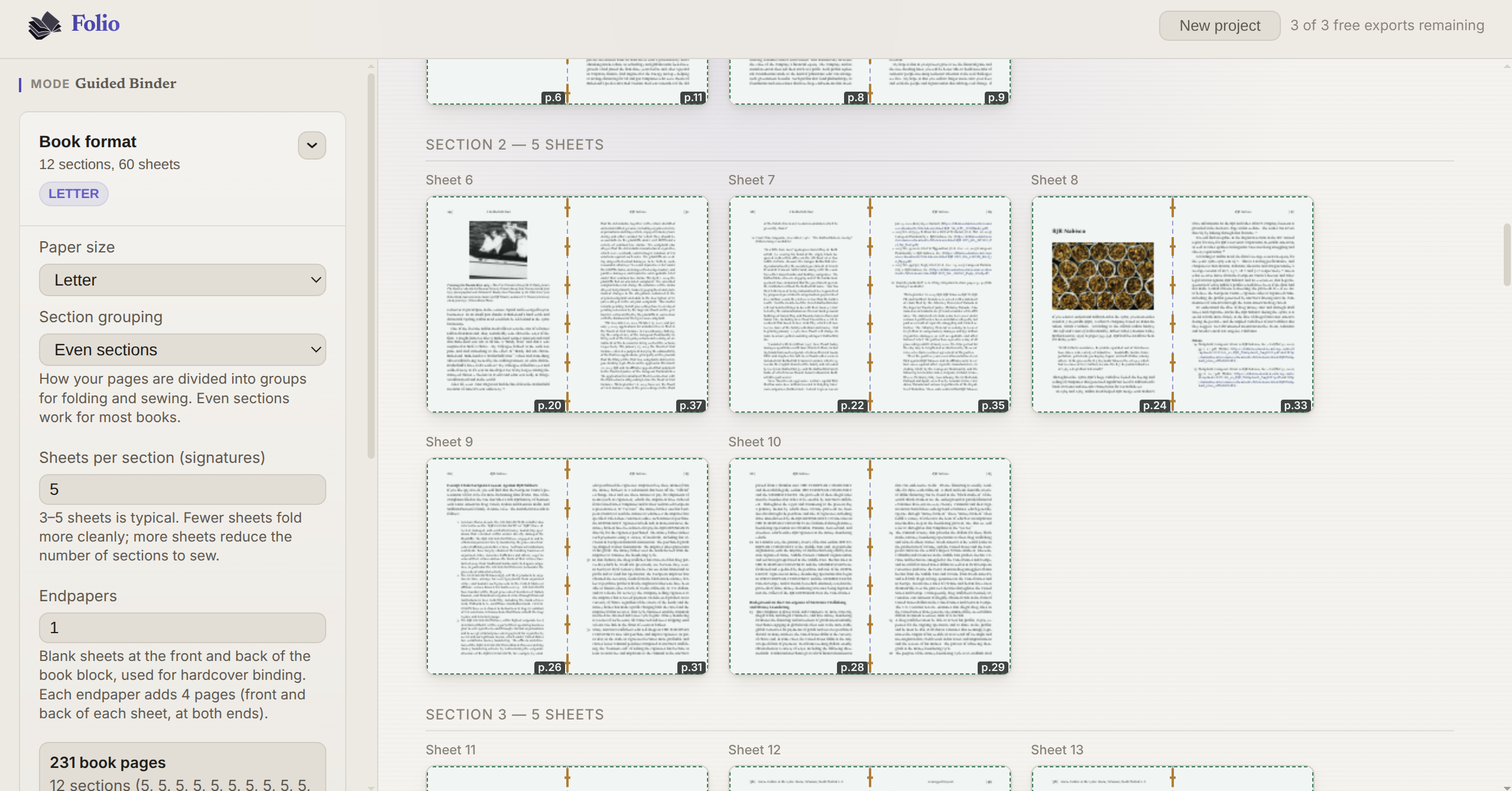
Precision imposition
Pages are reordered and positioned with sub-millimeter accuracy for folio and multi-section layouts, so your signatures fold perfectly.
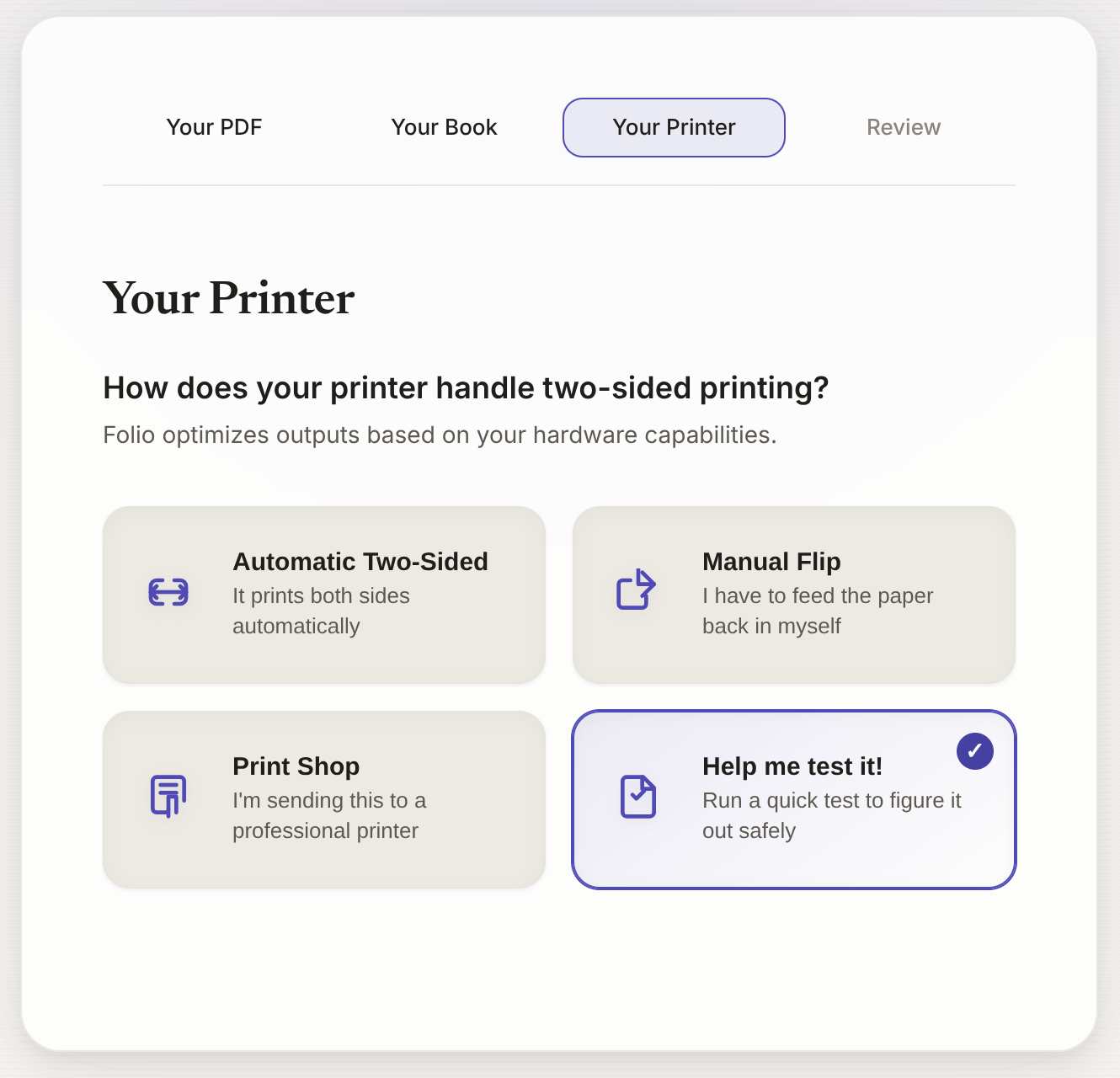
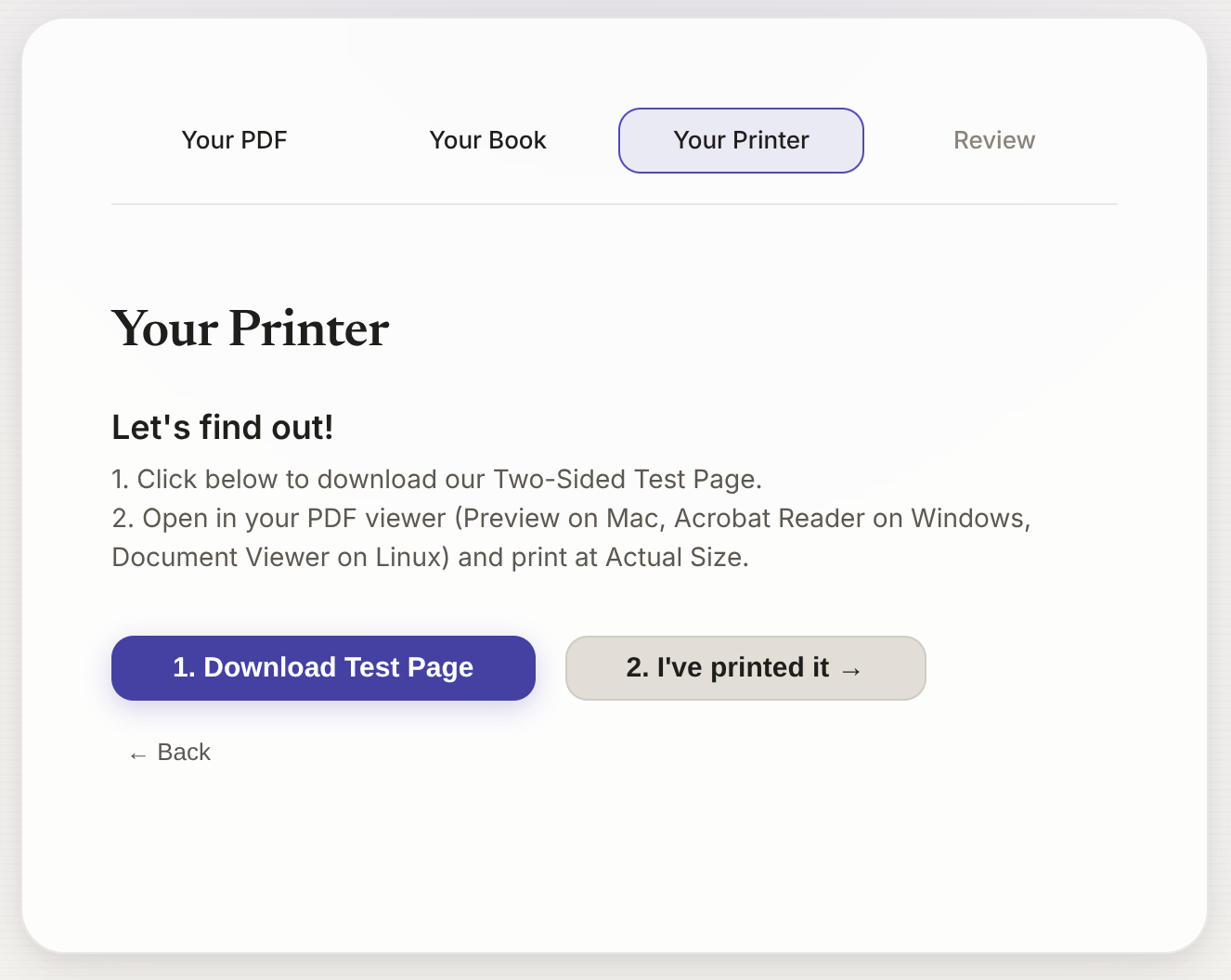
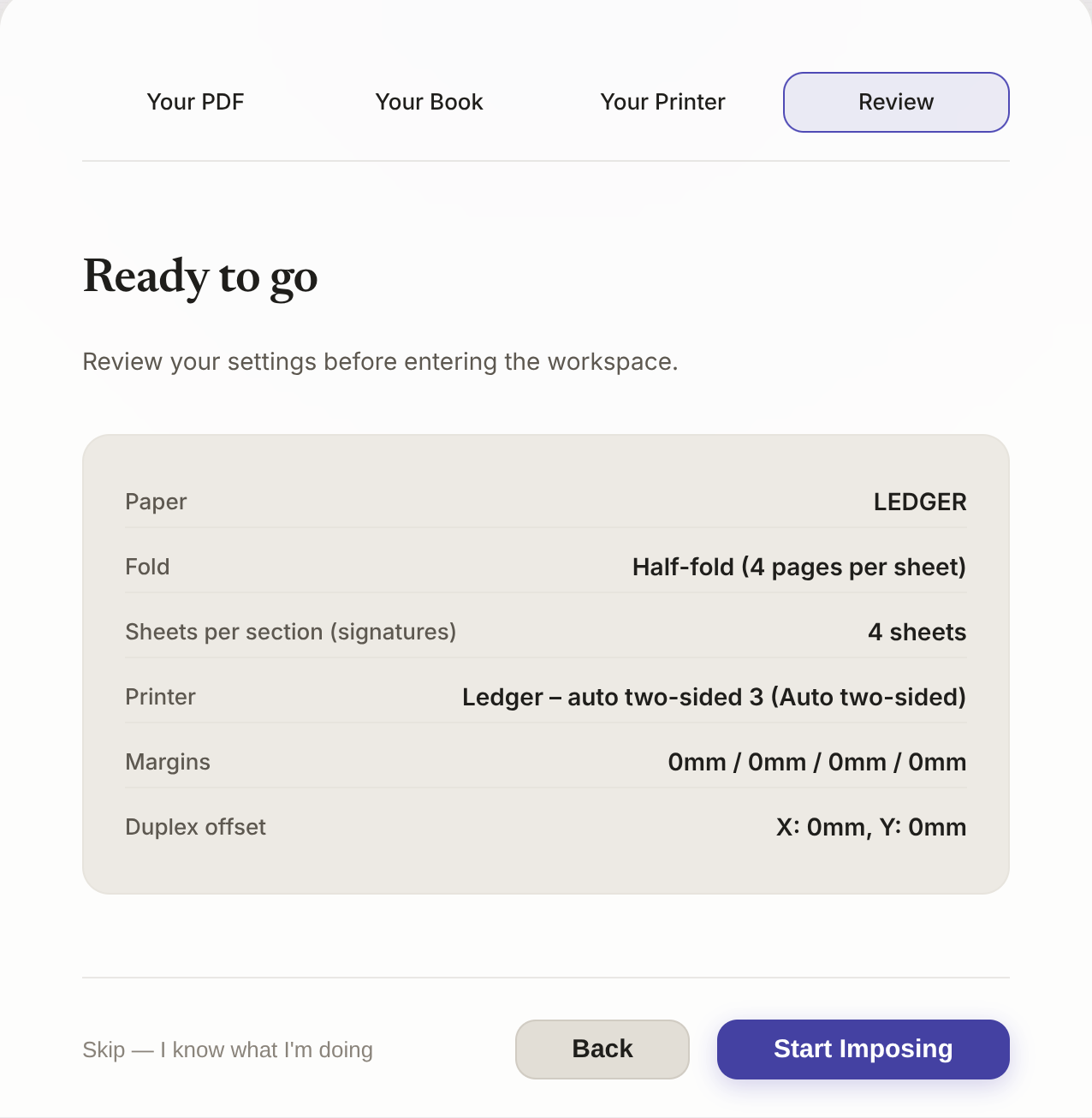
Calibrated to your printer
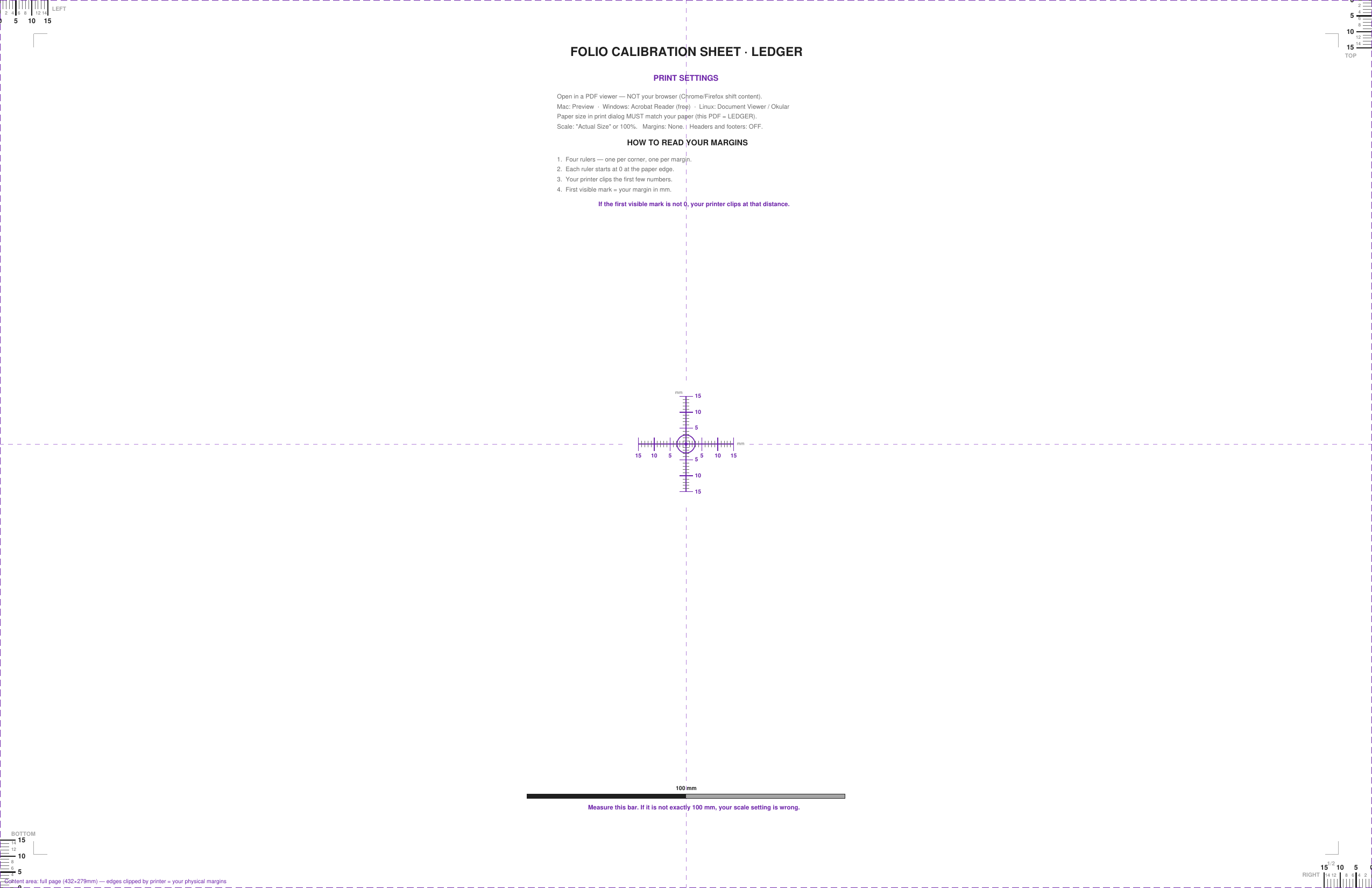
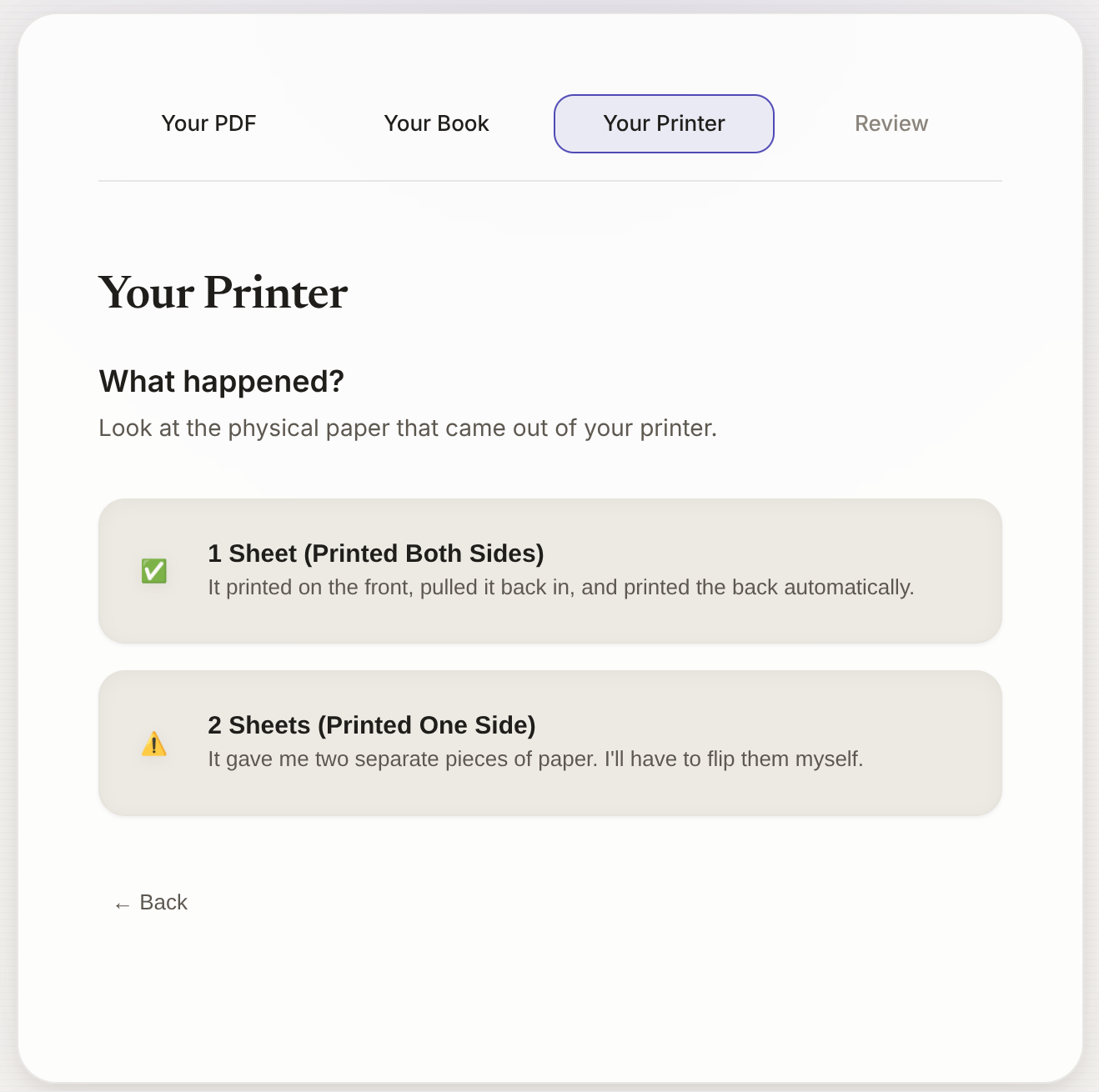
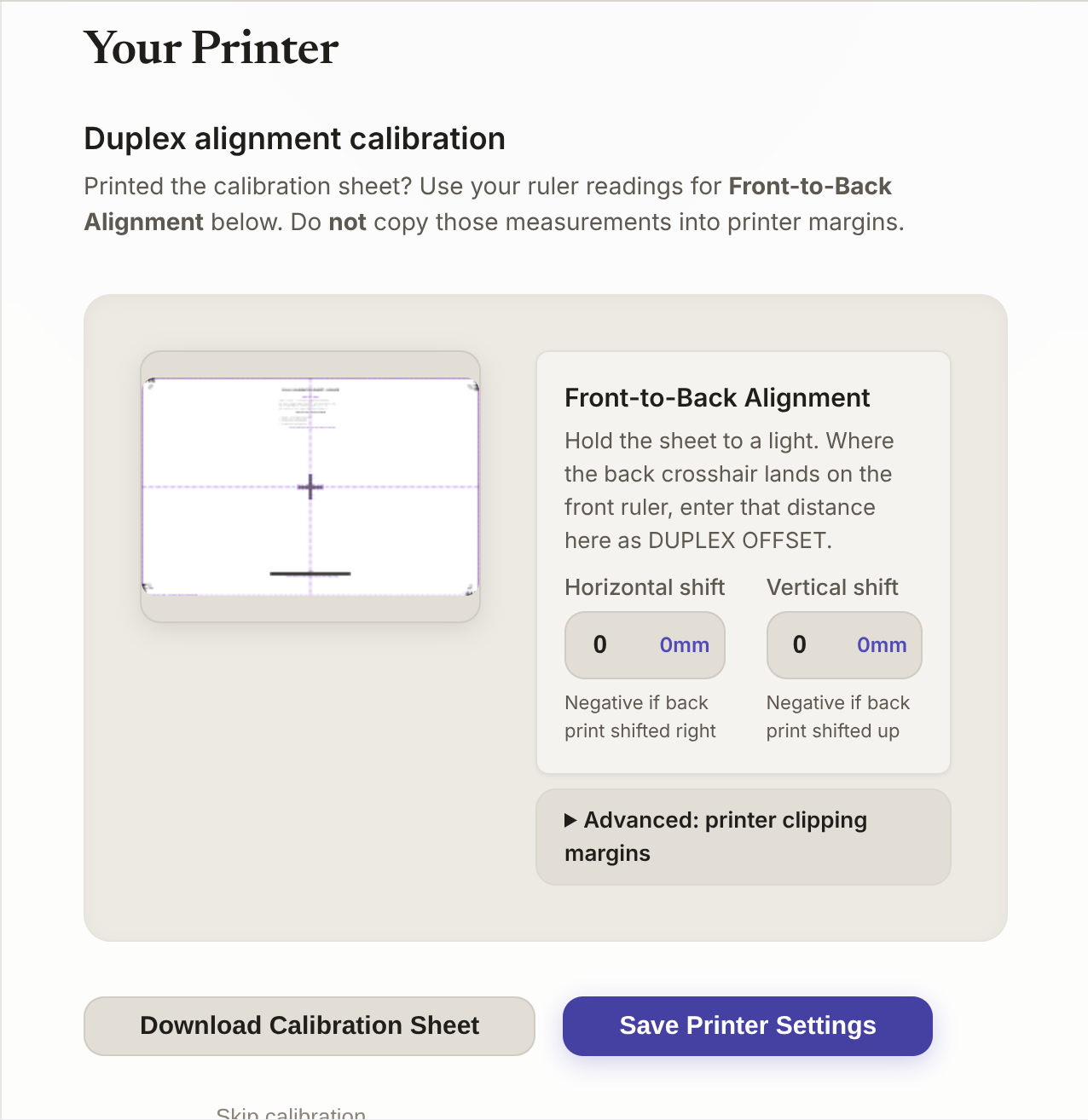
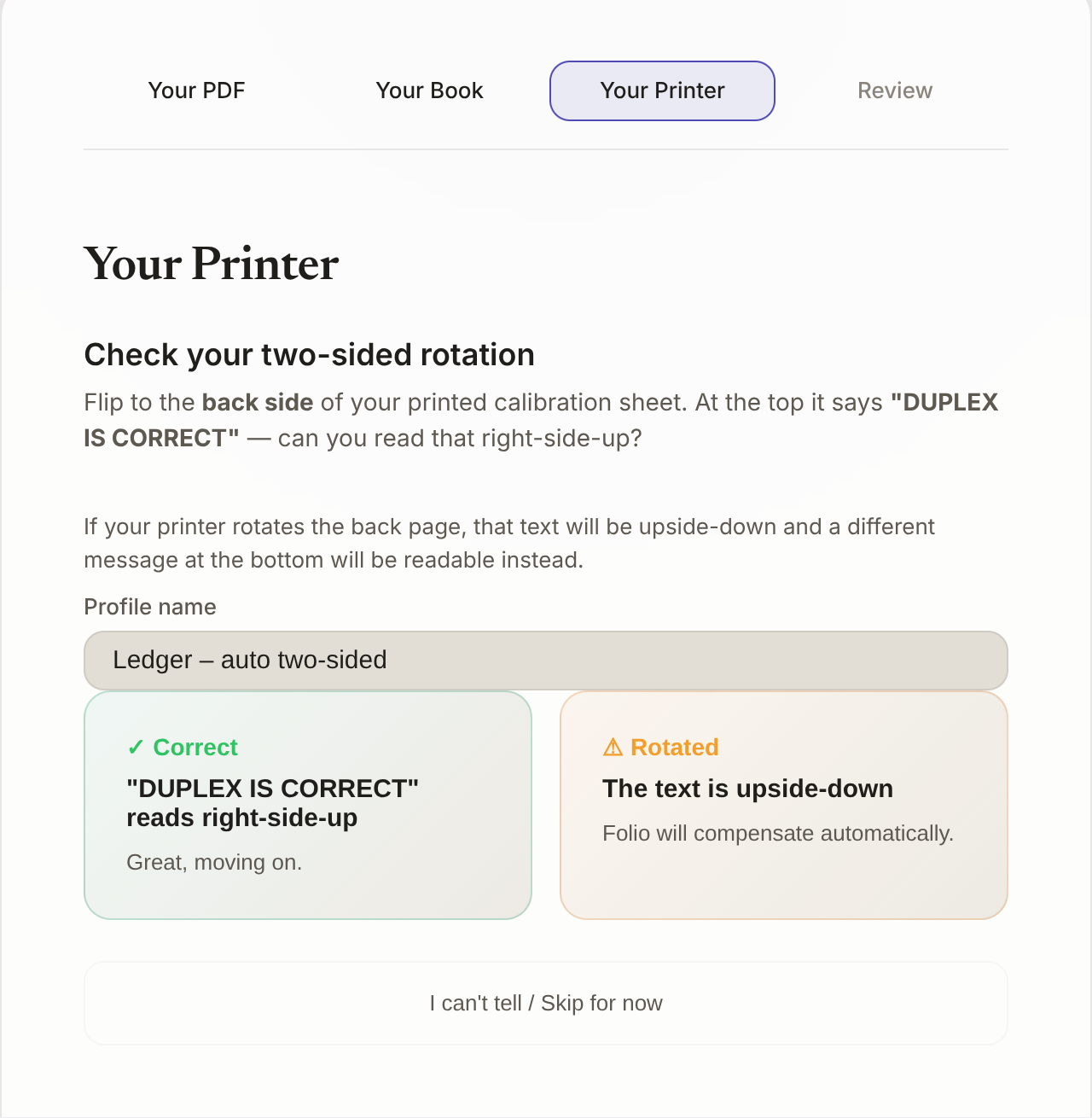
Every printer clips margins differently, and duplex rarely lines up on the first try. Folio's setup wizard prints a test sheet with built-in rulers, walks you through what you measure, and compensates for your specific printer, so the imposition you see is the imposition that prints.
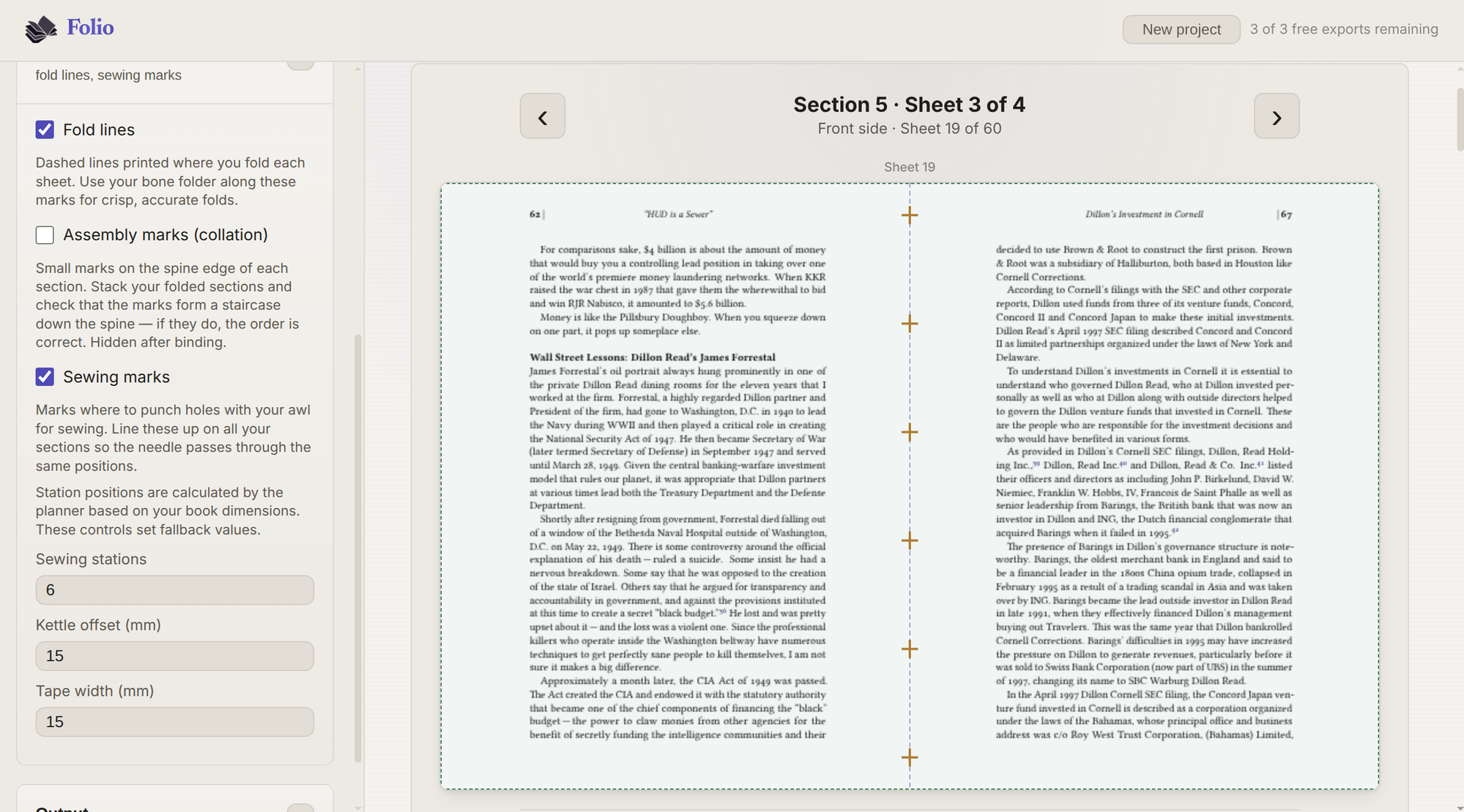
Sewing templates & assembly marks
Generate sewing station templates, fold marks, and collation marks. Everything you need to go from printed sheets to a bound book.
Page prep tools
Add or remove pages, detect and strip existing page numbers, or add new ones in your preferred style. Get your PDF ready for binding before imposition even starts.
How It Works
Upload your PDF
Drop any PDF into Folio. Everything stays in your browser. Nothing is uploaded to a server.
Choose your binding
Pick a binding style and paper size. Folio arranges pages into signatures automatically.
Export your print-ready PDF
Download imposed sheets ready for your printer, complete with fold marks and sewing guides.
Three Ways to Work
Three modes for every skill level, from first-timers to experienced binders.


Print & Fold is always free. Your first Guided Binder book is free with a free account. Expert Layout is free to explore. Exporting from it needs Pro.
Pricing
Start free. Pro from $4/month, billed annually.
Frequently Asked Questions
Is my PDF uploaded to a server?
No. Folio runs entirely in your browser. Your files never leave your computer: there is no server upload, no cloud processing, and no account required to get started.
What binding styles does Folio support?
Folio supports saddle-stitch booklets (single-section), multi-section sewn bindings, and perfect binding. The Print & Fold mode handles simple booklets; Guided Binder walks you through multi-section books; Expert Layout gives full control over any imposition.
Do I need a special printer?
Any home or office printer that handles your chosen paper size will work. Folio includes a built-in calibration tool to compensate for your printer's margin and duplex quirks.
Does Folio need an internet connection?
You need a connection to load the app, but all PDF processing happens in your browser. Nothing is sent to a server. Once loaded, imposition and preview work without further network requests.
What does "first book free" mean for Guided Binder?
You can use Guided Binder to configure and preview your book as many times as you want. With a free account, the first book you export from Guided Binder is free. A book means one source PDF, so exporting that same PDF again after changing settings stays free. The allowance is one book for the lifetime of the account and does not reset. Exporting a different PDF from Guided Binder needs a Pro subscription.
Can I print on both sides of the paper?
Absolutely. Folio supports automatic duplex (if your printer has it) and manual duplex with step-by-step instructions. The calibration tool ensures front and back align correctly.
Upload a PDF and start imposing
Upload a PDF and start binding. No account required.
Try It FreeFrom the Blog
Calibration & Printing: Why Your PDF Looks Wrong
Why an imposed PDF prints shrunk, shifted, or upside-down on the back, and the exact driver settings that fix each one on Linux, macOS, and Windows.
Page Numbering in Bookbinding
Why imposition lands page numbers on the wrong edge or upside-down. How Folio finds the old numbers, removes them, and re-stamps from the original index.
How to print a PDF as a book on a home printer
Rearrange the pages so they fold into reading order, print double-sided, bind the stack. Signatures and binding styles covered. Free, in your browser.
How to bind your creation
Turn a novel, comic, poetry collection, or RPG rulebook into a real book: one folded booklet or sewn signatures, with page numbers and creep under control.
How to print a zine at home
Print a saddle-stitch zine at home: why it never prints in 1, 2, 3 order, how many pages it needs, what paper to use, and how to fold and staple it.
How to turn an AO3 fic into a real book
Get the fic from AO3, fold it into printable signatures in your browser, then sew or staple it. Free, no install. The fic never leaves your computer.
What Is PDF Imposition? A Guide for Bookbinders
Imposition rearranges a PDF's pages so they read in order after folding. Why the shuffle changes with the binding, and how to try it free in your browser.
Free PDF Imposition Tools Compared for Bookbinding
pdfimpose.it, PDF Snake, Acrobat, InDesign, Montax, pdfjam, and pdfpress.app, measured against a prepress handbook’s criteria, creep handling included.
Signature Size Guide: 4, 8, 16, or 32 Pages?
How many sheets go in each signature: why 3 to 5 is the normal range, how paper thickness moves that number, and how to set it in Folio.